7665 boulevard Lacordaire
Montréal (Québec)
H1S 2A7
(514) 252-3026
Sans frais 1-833-252-3026
info@fhosq.org
Please have the following information ready:
Carefully verify the number of memberships before proceeding. Once a membership has been purchased, it cannot be removed. However, additional memberships may be added later.
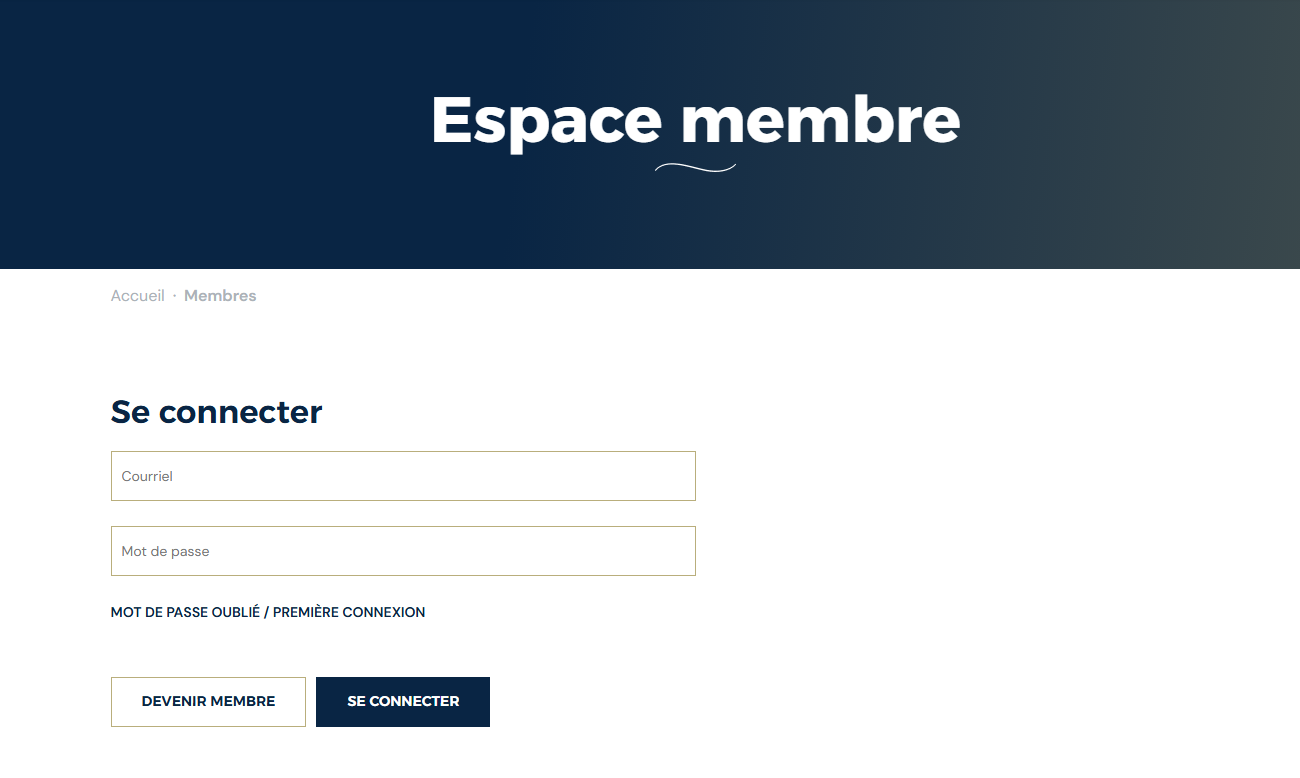
If you are logging in to our new system for the first time, or if you have forgotten your password, click "Forgot Password."
If you are still unable to access your account, please contact us at info@fhosq.org.
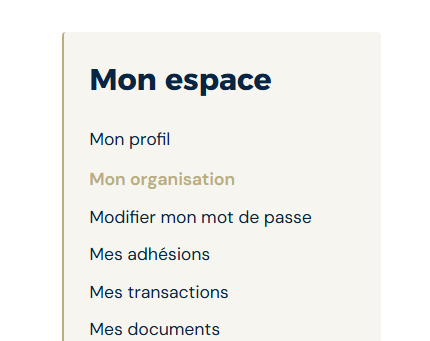
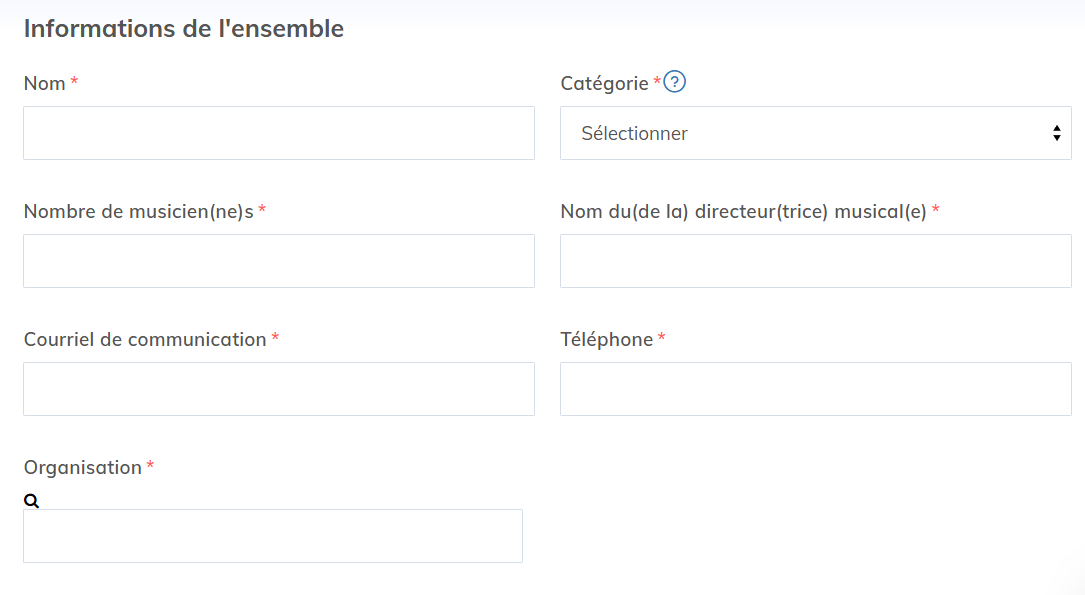
Update the information for each ensemble being renewed by clicking Details next to the ensemble name. Review and update the following information as needed:
Ensemble name
Number of musicians
Music Director
Email address and phone number
If an ensemble will not be renewed this year, remove it from your organization by clicking Details next to the ensemble name, then selecting Remove from Organization.
Primary Contact
Additional Contacts
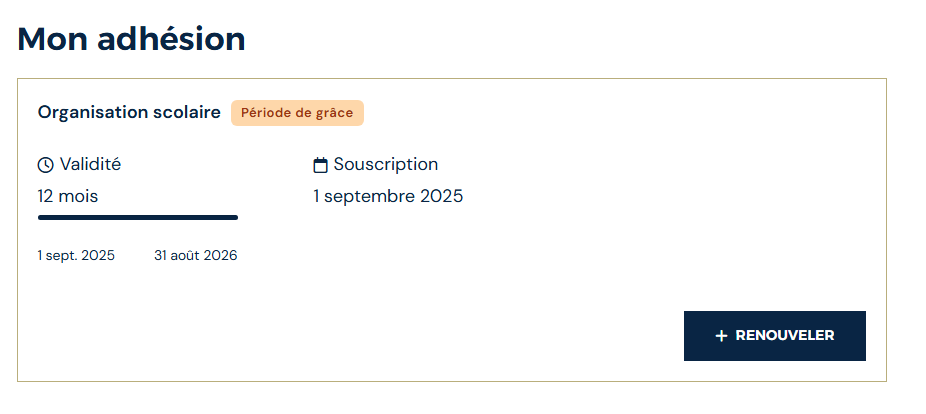
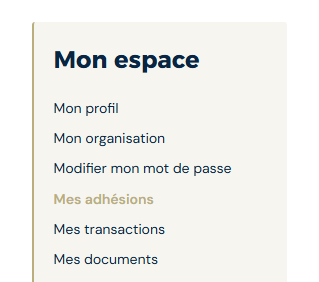
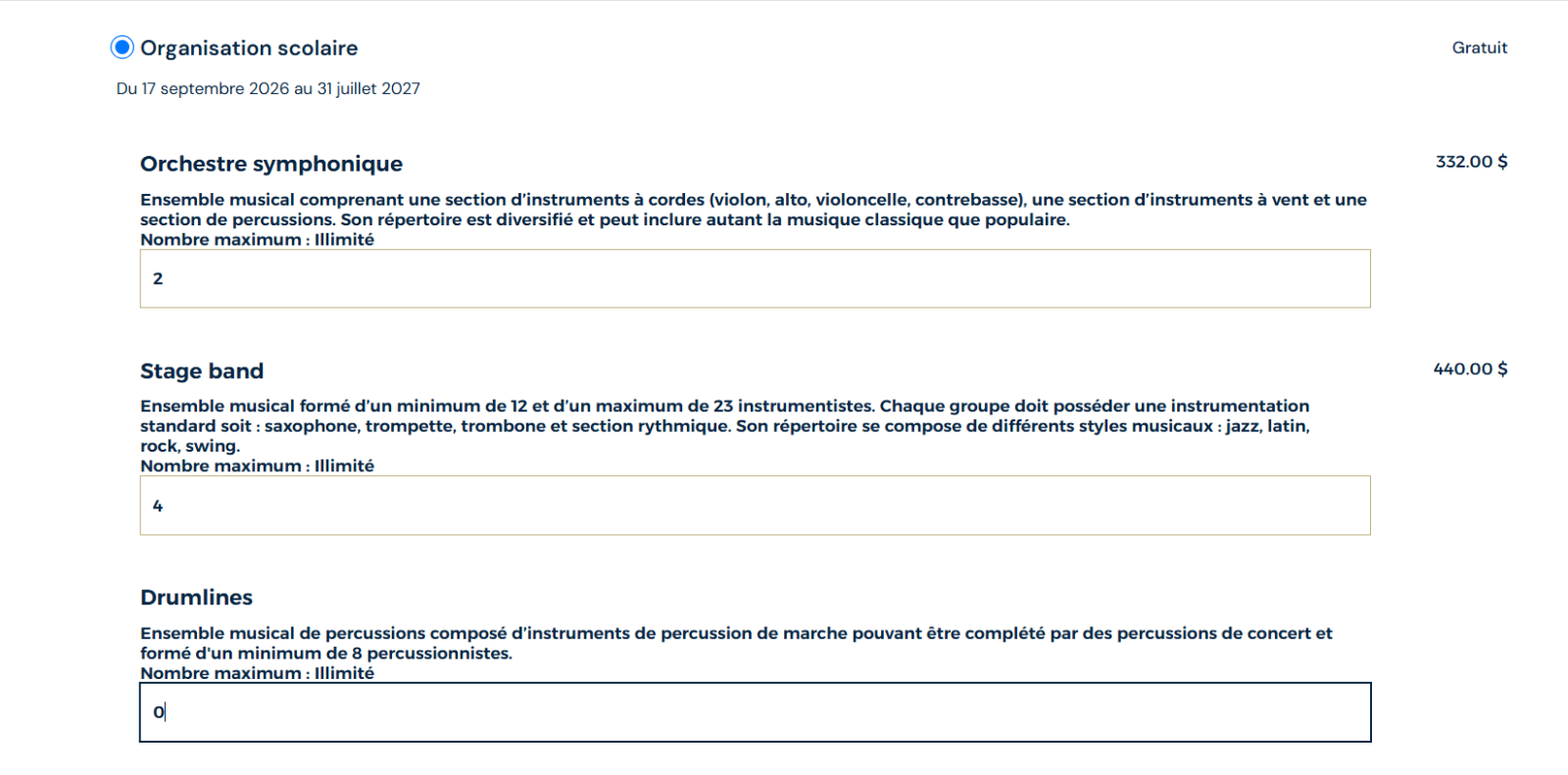
Choose the desired number of memberships for each ensemble type.
If you have purchased a membership for a new ensemble, please follow the procedure: Assign a Membership to a New Ensemble.
Please note: after completing your renewal, the system may take up to 24 hours to automatically assign memberships to your ensembles.
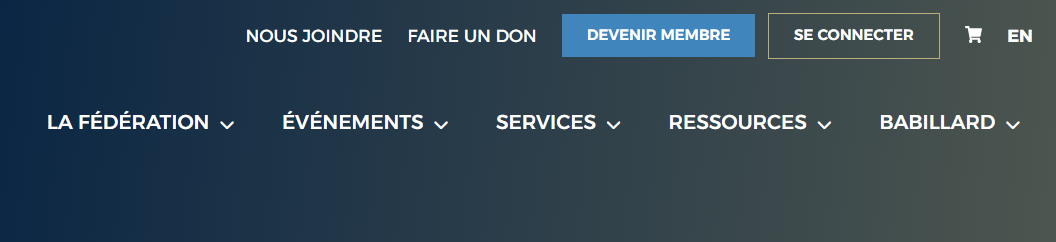
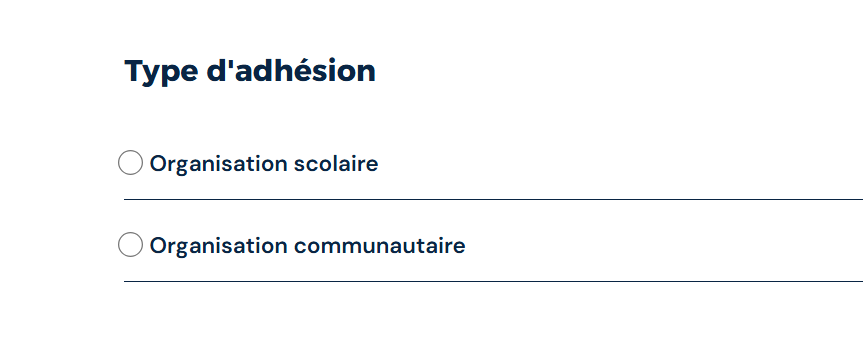
From the website's main menu, click Become a Member.
For each ensemble type, enter the number of memberships you want to purchase. Ensure the quantities correspond to the number of ensembles in your organization.
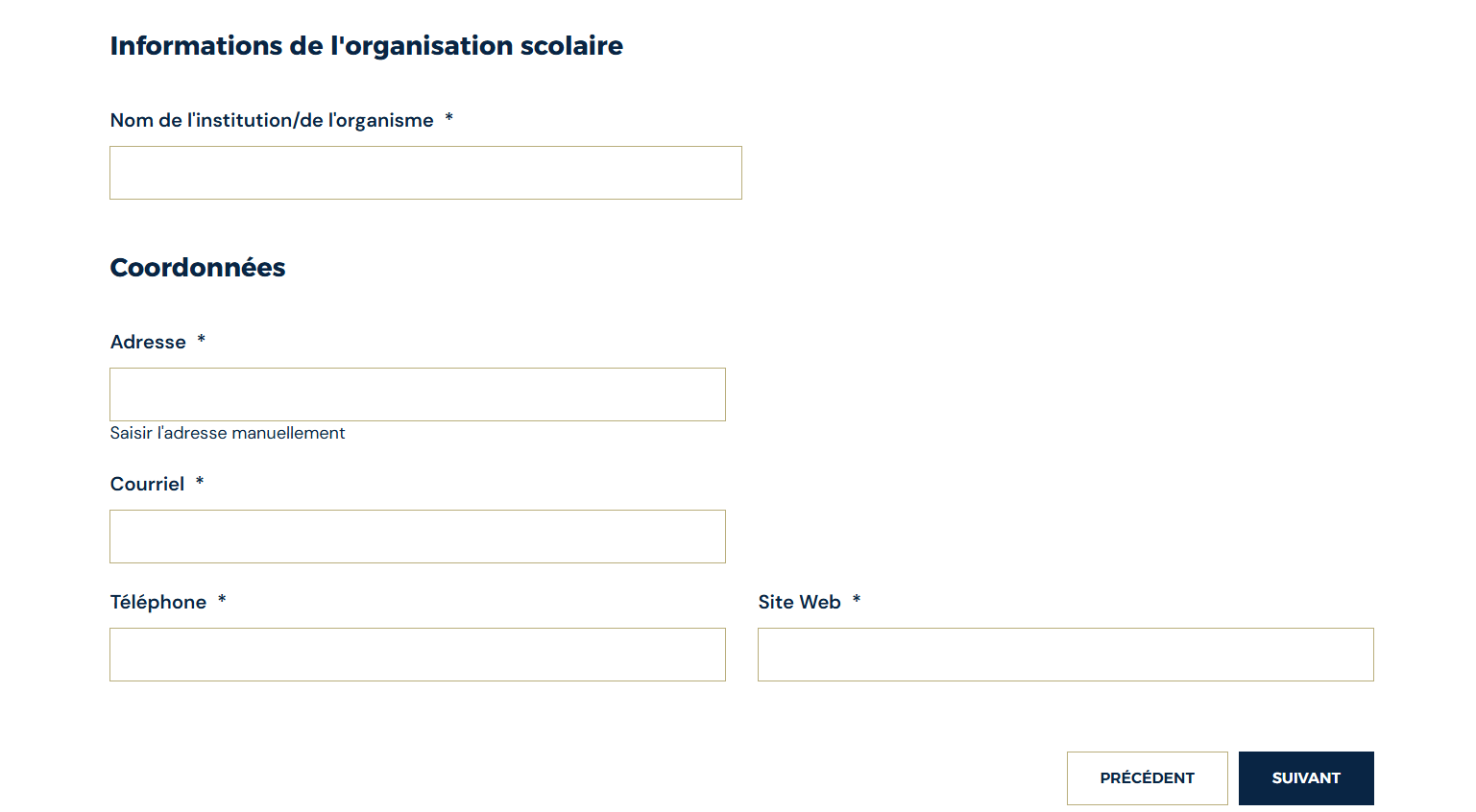
the name of the school or organization;
the address;
the email address;
the phone number;
the website, if applicable.
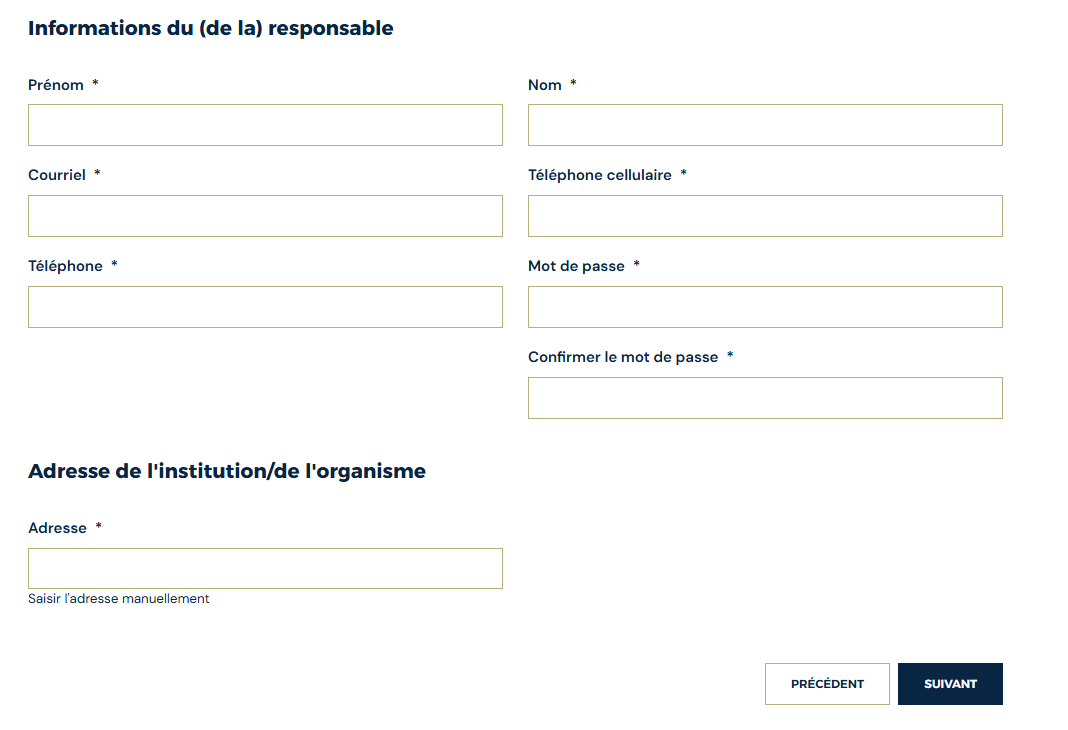
first and last name;
email address;
phone number(s);
password and password confirmation;
school or organization address.
Note: If more than one person is responsible for your ensembles, you can add additional music directors in your member account and grant them access.
Select a payment method: cheque, bank transfer, or credit card. Once your payment is complete, your member account will be created.
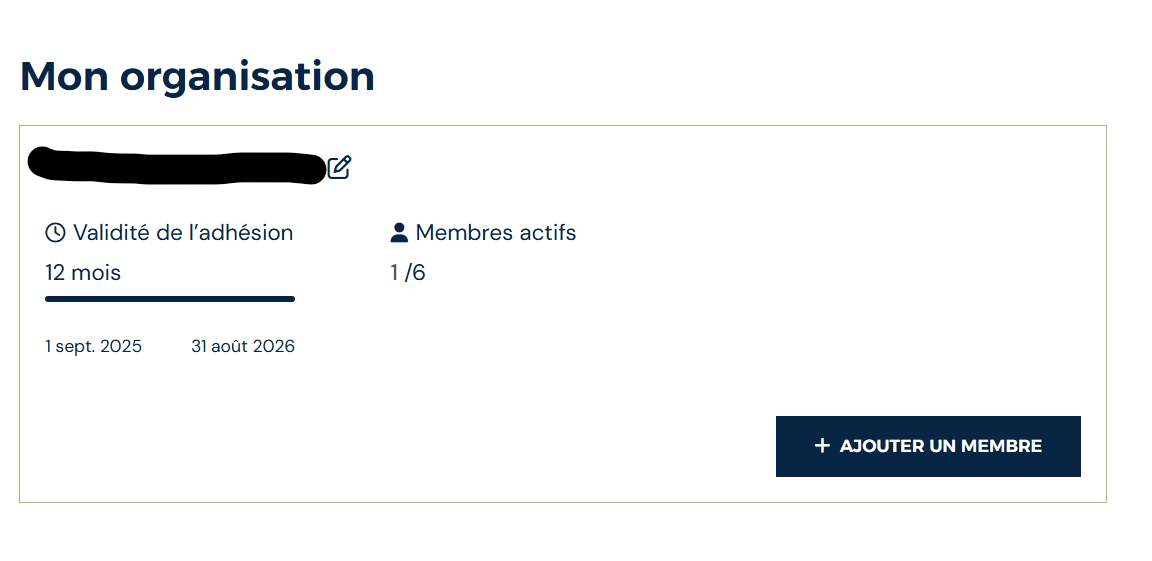
Select the type of membership you purchased (ensemble type) to associate it with your new ensemble.
Verification : Make sure to assign each membership to the correct ensemble.
Select Add a Member
Select Music Director
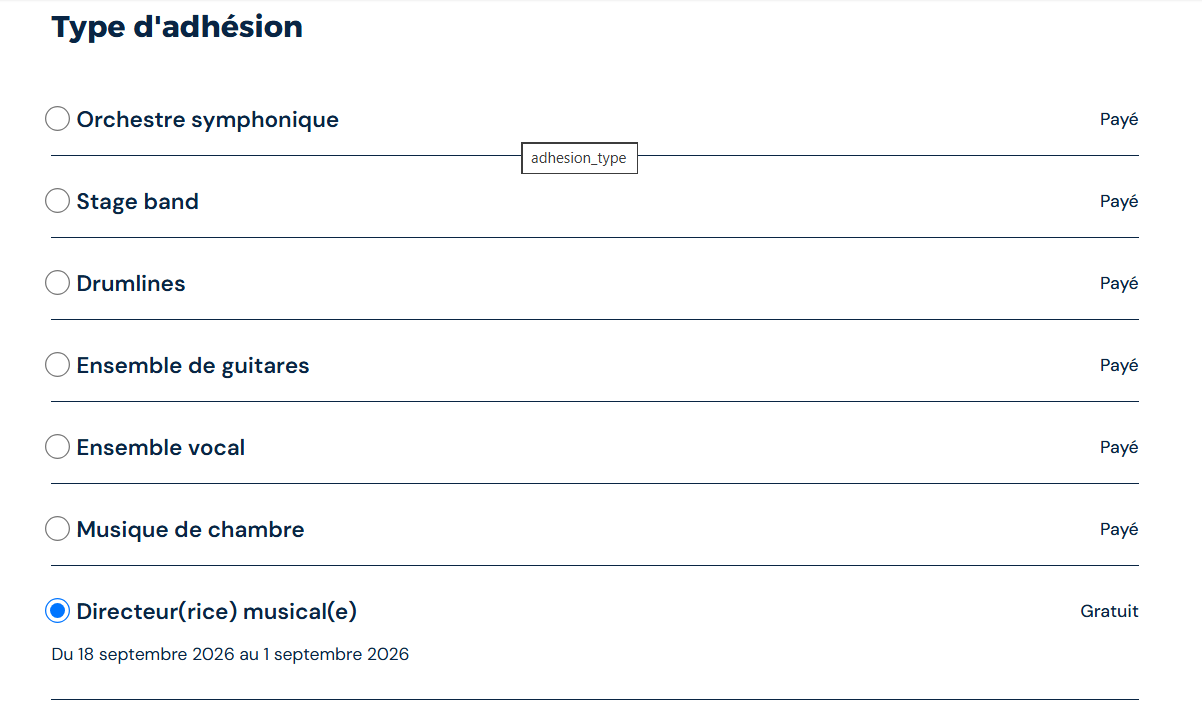
Complete the required fields
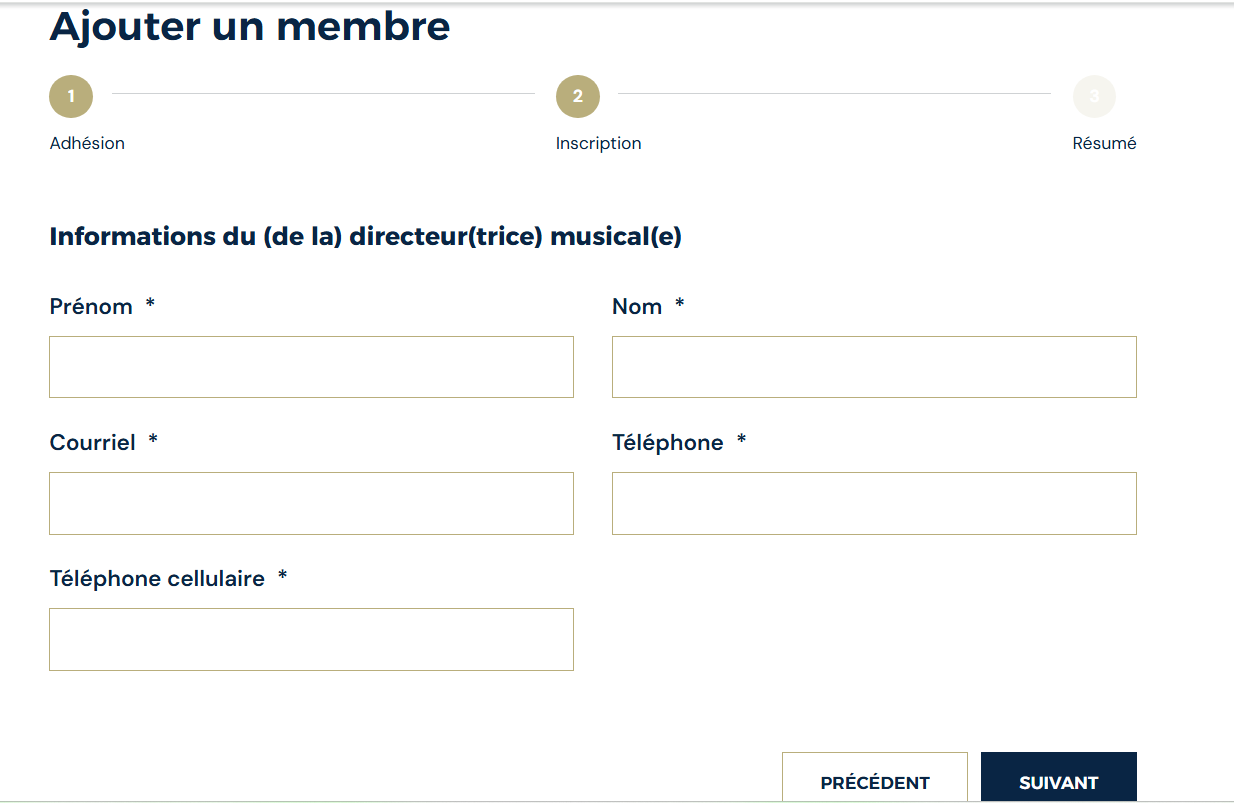
Click Save to record the information
No. Once purchased, a membership cannot be removed.
Yes. You can add memberships at any time.
Add them under My Organization > Add a Member > Music Directors.
In My Organization, select the ensemble you wish to update.
Go to My Profile.
7665 boulevard Lacordaire
Montréal (Québec)
H1S 2A7
(514) 252-3026
Sans frais 1-833-252-3026
info@fhosq.org
Stay tuned ! Subscribe to our newsletters and receive them directly by email.
© 2026 Fédération des harmonies et orchestres symphoniques du Québec | All Rights Reserved.